Kit PVP FFA Guides
Combat, kits, controls, map resets, rewards, and day-one paths for Roblox Minecraft-style FFA.
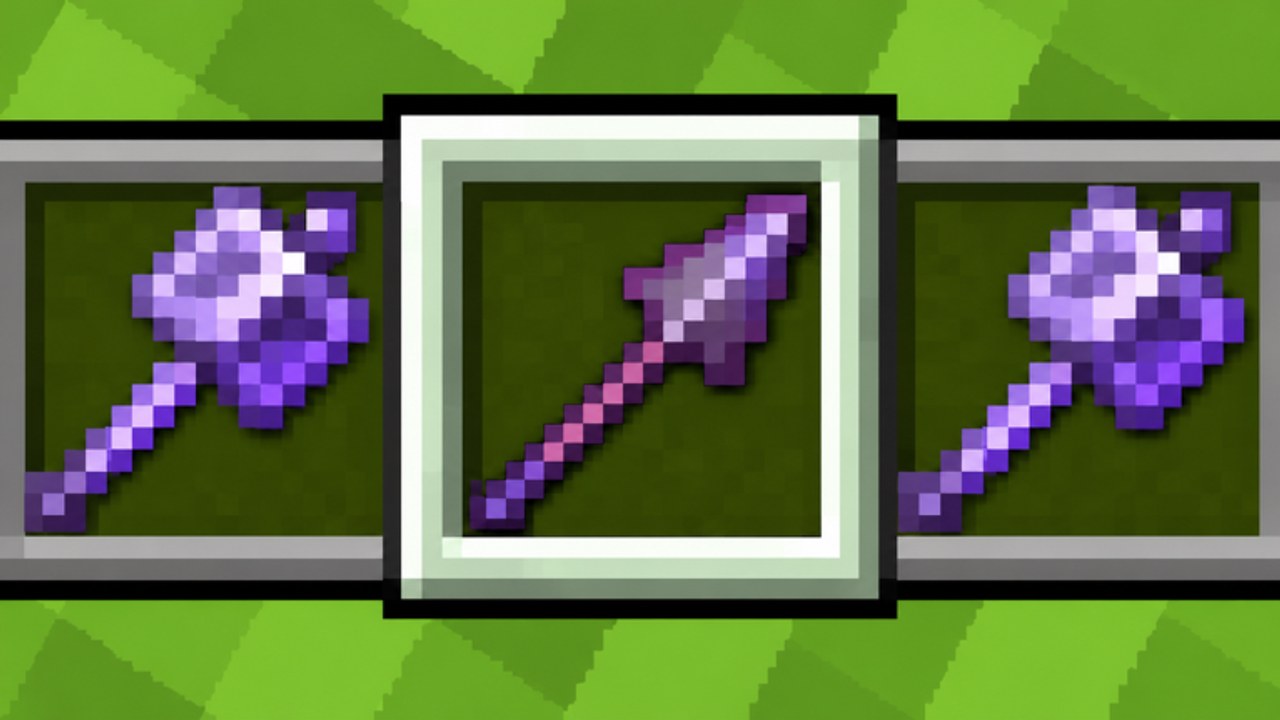
This hub is the map for every Kit PVP FFA tutorial on the wiki. The game is a free-for-all arena with modern Minecraft 1.21-style combat: attack cooldown, critical hits, sweeping attacks, shields, knockback, and armor. You pick one of eight kits, drop into a shared map that resets every five minutes, and fight for killstreaks, bounties, Super Mode, and Prestige progress. Use these guides to learn the rules of engagement before you chase leaderboard kills.
Start with Getting Started if you just joined. That page covers joining the experience, choosing Sword or Mace first, claiming daily and group rewards, and understanding the five-minute map reset so you do not waste early lives. When you are ready for mechanics, open Combat Basics for cooldown timing, crits, sweeping, shield use, knockback trading, golden apples, totems, and F5 third-person habits that work on PC, phone, and controller.
Kit-focused deep dives
High-impact kits deserve dedicated pages. Mace PvP explains smash timing, height advantage, wind charges, and how the Mace & Spear kit uses lunges as anti-air. Crystal PvP covers End Crystals placement, detonation timing, respawn anchors, and risk management in a crowded free-for-all. Elytra & Rockets focuses on mobility, dive mace combos, rocket economy, landing safely, and when to swap kits after a bad engage.
If input settings feel wrong, read Controls for PC, mobile, and controller overview, rebinds, F5 camera tips, and a combat hotkey mindset that keeps your hands calm under pressure. Phone and gamepad players should continue into Mobile Tips for touch layouts, controller chords, and how touch combat differs from PC lobbies. Pair either page with practice in quiet corners of the map before you fight in the densest kill zones.
Map, rewards, and session systems
Terrain is temporary. Map Building explains bridging, short fight structures, TNT and crystal map breaks, and how to schedule aggression around the five-minute wipe so you stop decorating for a reset. Free progression has its own page too: Daily Rewards covers daily claims, the free MC PVP Community group join reward, and how those gifts sit beside codes, crates, and Prestige grinding.
How to use this hub with the rest of the wiki
Guides teach execution. Tier lists teach priority. After you can land basic crits and survive a reset cycle, check the Tier List Hub, then the full kit rankings and beginner picks. Those pages explain which kits are consistent in FFA, which are beginner friendly, and which have a high skill ceiling. Cross-check kit identities on the Players hub when you want roster-style summaries of Sword, Mace, Mace & Spear, Elytra & Rockets, TNT, End Crystals, Archer, and Orbital Strike.
Progression and rewards sit outside pure mechanics. Claim daily rewards and the free group reward early via Daily Rewards, then visit the Codes hub for promo codes and SHOP NPC redemption steps. There are no active promo codes at the moment, but the redemption flow stays useful when new codes drop. Cosmetic crate farming mindset lives under Tools as Crates and Skins. If you research client tools or automation discussion, use the Scripts hub carefully and keep fair play in mind. Patch notes and seasonal changes live under Updates.
Session checklist
- Join Kit PVP FFA and confirm your platform controls feel comfortable.
- Pick Sword or Mace for your first lives, then review Combat Basics.
- Claim daily and group rewards before you tunnel into fights.
- Treat the five-minute map reset as a clock: finish builds, reposition, or take a safe fight before the wipe—see Map Building.
- After you understand cooldown and knockback, try Archer for spacing or open Mace PvP for smash practice.
- Only then graduate into End Crystals, Elytra & Rockets, TNT, or Orbital Strike.
- Track killstreaks and bounties; Super Mode windows punish greedy peeks if you are not ready.
- Level toward 200, then Prestige, while you refine one primary kit and one counter kit.
What each guide is for
- Getting Started — day-one path, rewards, reset awareness, next links.
- Combat Basics — universal 1.21-style fighting rules for every kit.
- Mace PvP — smash, height, spear lunges, wind charges, counters.
- Crystal PvP — crystals, anchors, timing, FFA risk control.
- Elytra & Rockets — flight, dive combos, rocket management, kit swaps.
- Controls — device setup, rebinds, F5, hotkey mindset.
- Map Building — resets, bridging, building, TNT and crystal breaks.
- Daily Rewards — dailies, group join reward, codes versus progression.
- Mobile Tips — phone and controller layouts, touch combat versus PC.
Keep returning here when a patch changes feel or when you unlock a kit you have not practiced. Short, focused sessions beat hopping every kit in one life. Learn one mechanic, then one kit, then one counter. That loop is how consistent FFA players climb Top Kills without burning out on chaotic mid-map fights.
Frequently Asked Questions
Quick answers to the most common Kit PVP FFA questions.
Which guide should I read first in Kit PVP FFA?
Start with Getting Started, then Combat Basics. After you can time cooldown and crits, open the kit guides that match your next unlock.
Do these guides replace the in-game tutorial?
No. Use the lobby and first lives to feel movement, then use these pages for cooldown, kits, reset timing, and counter picks.
Where should I go after finishing the combat guides?
Read the Tier List Hub, kit rankings, and beginner picks, then cross-check kit summaries on the Players hub.
Are codes and scripts part of the guides section?
Codes and Scripts have their own hubs. Guides focus on play, while Codes covers SHOP NPC redemption and Scripts covers tool discussion.