How to Redeem Kit PVP FFA Codes
SHOP NPC walkthrough for PC, phone, and controller, plus troubleshooting when redeem fails.
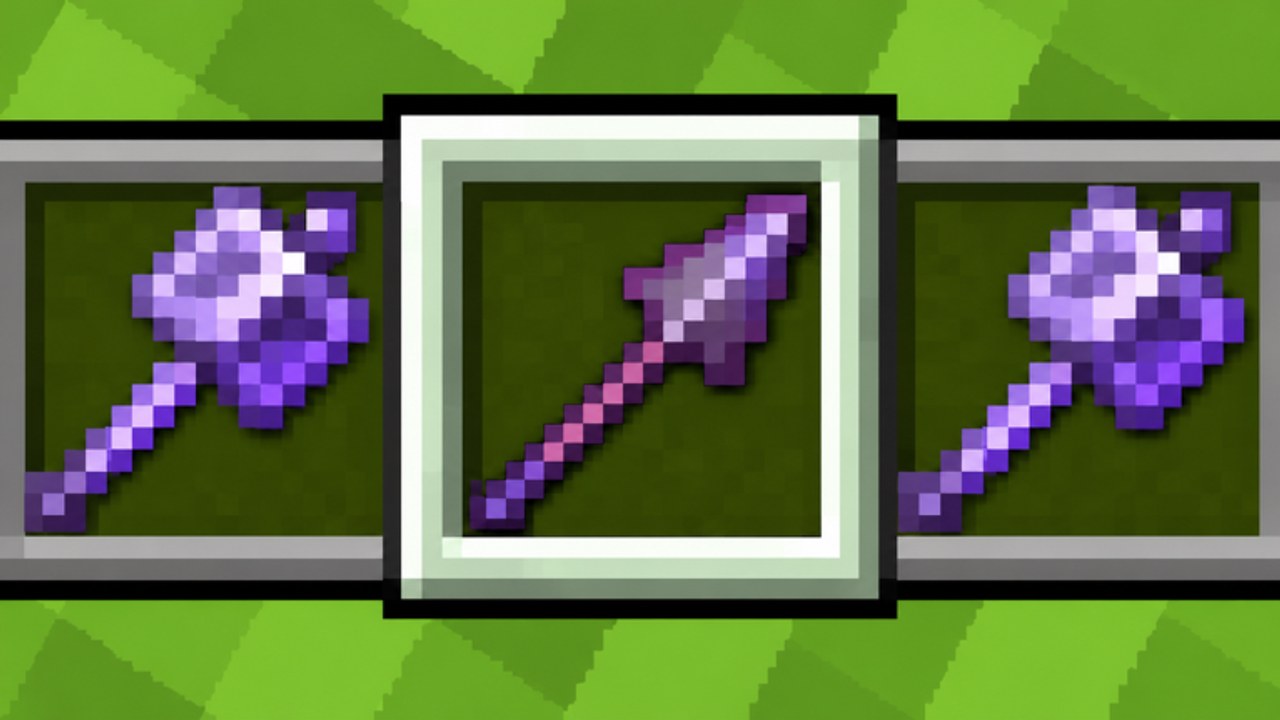
Promo codes in Kit PVP FFA are claimed inside the live Roblox experience, not on an external website. The game uses a SHOP NPC flow: walk up, press interact, scroll to the code field, and redeem. This guide covers every step for PC, phone, and controller, then walks through the errors players hit most often. Pair it with the Codes Hub so you only redeem strings that are actually active.
Before you start
Confirm you are joining the real experience: Kit PVP FFA by MC PVP Community, place 75260404327641 (universe 10774244015). Fake copies sometimes reuse the name and never ship the SHOP redeem UI. Use the official Roblox game link from this wiki or your Roblox continue list.
As of mid-to-late November 2026, community listings report release for +125 Coins. Use that string when you want to test the redeem flow end-to-end, then confirm the reward toast in-game. If it returns invalid, stop retrying and re-check the Codes Hub Active table—listings can lag behind expiry. Roblox Den previously showed an empty table for this title, so always verify at the SHOP NPC rather than trusting a single aggregator.
Have inventory space mindset ready. Rewards tend to be coins, crate-related items, or cosmetics (sword skins, capes, auras). Divine-tier cosmetics are extremely rare from crates (~0.1%), so a free code roll or coin grant is valuable when creators drop one. Daily rewards and the group join reward still matter; claim those even when you are only testing one promo string.
Step-by-step: PC
- Launch Roblox and join Kit PVP FFA.
- Spawn in and locate the SHOP NPC. It sits with other hub vendors; listen for shop prompts and watch for the labeled NPC name.
- Walk into interact range until the prompt appears.
- Press E to open the shop interface.
- Scroll the shop panels until you see ENTER CODE.
- Click the field, type or paste the code exactly as published (case and punctuation matter). To practice the flow, try
releaseif it is still listed as Active on the Codes Hub. - Press REDEEM and wait for the success toast or reward popup.
- Check inventory, coin balance, crate keys, or cosmetics for the granted item.
Rebindable controls do not remove the interact action—they only move the key. If you rebound E, use your new interact binding instead. F5 third-person camera is fine during redeem; you do not need first person.
Step-by-step: phone and tablet
Mobile uses the same SHOP UI with touch controls.
- Join on the Roblox mobile app.
- Move to the SHOP NPC.
- Tap the on-screen interact button when it appears (equivalent to E on PC).
- Scroll the shop until ENTER CODE is visible.
- Tap the field, enter the code carefully—watch autocorrect—and tap REDEEM. If you are testing with
release, paste from a notes app so autocorrect does not rewrite it.
Autocorrect is the number-one mobile failure. Disable it for the redeem field or paste from a notes app. Landscape mode helps you see the full shop scroll area on smaller phones.
Step-by-step: controller
Controller players follow the PC layout with gamepad prompts.
- Join with your controller connected.
- Move to SHOP and press the shown interact face button when prompted.
- Navigate shop tabs with the stick or bumper bindings until ENTER CODE appears.
- Select the field, type the code with the on-screen keyboard, then confirm REDEEM.
If text entry feels slow, redeem on PC once, then return to controller play. Rewards stay on the account.
What a successful redeem looks like
A valid unused code clears the field or shows a confirmation and grants the reward immediately. For release, expect a coin bump around +125 if the community listing still matches live behavior. You might also see crate keys or cosmetics on other promos. If nothing appears, leave the shop, re-open it, and check again before assuming failure—UI lag happens during 30k–35k player peaks.
Troubleshooting
Invalid code. The string is wrong, mistyped, expired, or never existed. Re-copy from the Codes Hub. Watch for capital O versus zero, and for trailing spaces when pasting. If release fails after a clean paste, treat it as inactive until the hub updates.
Expired code. Creators sometimes ship short windows. Once expired, no amount of retrying helps. Remove it from your notes and wait for the next drop listed on Updates or the Codes Hub.
Already redeemed. Most Roblox experience codes are one per account. Alts need their own redeem if the code allows multiple accounts; many do not.
Cannot find ENTER CODE. You opened the wrong vendor or an old UI cache. Rejoin the server, confirm the NPC label is SHOP, and scroll every panel. Map resets every five minutes can shuffle props, but hub NPCs normally stay reachable—bridge or pearl back if combat pushed you out.
Interact does nothing. Another player blocks the prompt, you are mid-animation, or you are dead. Respawn, clear space, and try again. On mobile, make sure the interact button is not hidden under a custom UI scale.
Game lagged out mid-redeem. Rejoin and check rewards before redeeming again. Double-submit rarely grants twice; it more often confuses you into thinking the code broke.
Safety rules
Real codes redeem only inside Kit PVP FFA through SHOP → ENTER CODE → REDEEM. Any site that asks for your Roblox password, email code, or payment to unlock a promo is a scam. Do not install executors just to claim a code—script tooling is a separate topic covered under Scripts with its own risks. Prefer official destinations from the Links Hub when you need Discord or social links.
After you redeem
Spend new coins or crate keys thoughtfully. Skins, sword skins, capes, and auras go up through Divine rarity; most free rolls will be common. Keep leveling toward 200 and Prestige for account progression—see the Prestige Guide. If you are brand new, finish the Getting Started checklist so you understand kits (Sword, Mace, Mace & Spear, Elytra & Rockets, TNT, End Crystals, Archer, Orbital Strike) before chasing cosmetics mid-fight. Compare loadouts on the Tier List once the first rewards are claimed.
Return to the Codes Hub whenever an update drops. Empty tables are normal between promos; this redeem guide stays useful the moment a verified string appears—and release is the string to try first while it remains Active.
Frequently Asked Questions
Quick answers to the most common Kit PVP FFA questions.
Where is the code box in Kit PVP FFA?
At the SHOP NPC. Press E (or mobile/controller interact), scroll to ENTER CODE, then REDEEM. There is no separate top-bar code menu.
What code should I try when testing the redeem flow?
If the Codes Hub still lists it as Active, try release for +125 Coins. Verify the reward in-game; remove it from your notes if SHOP returns invalid.
Why does it say invalid when I paste a code?
Usually a typo, extra space, wrong case, or an expired/unverified string. Copy again from the Codes Hub and avoid chat-sourced pastes.
Can I redeem on mobile?
Yes. Use the interact button on the SHOP NPC, open ENTER CODE, and watch for autocorrect changing the string before you tap REDEEM.
Do I need to rebind keys to redeem?
No. Use whatever key you bound to interact. Default PC interact is E; F5 third person does not block the shop UI.